Foreword / How-to-Use
Reference from the original Physics I textbook.
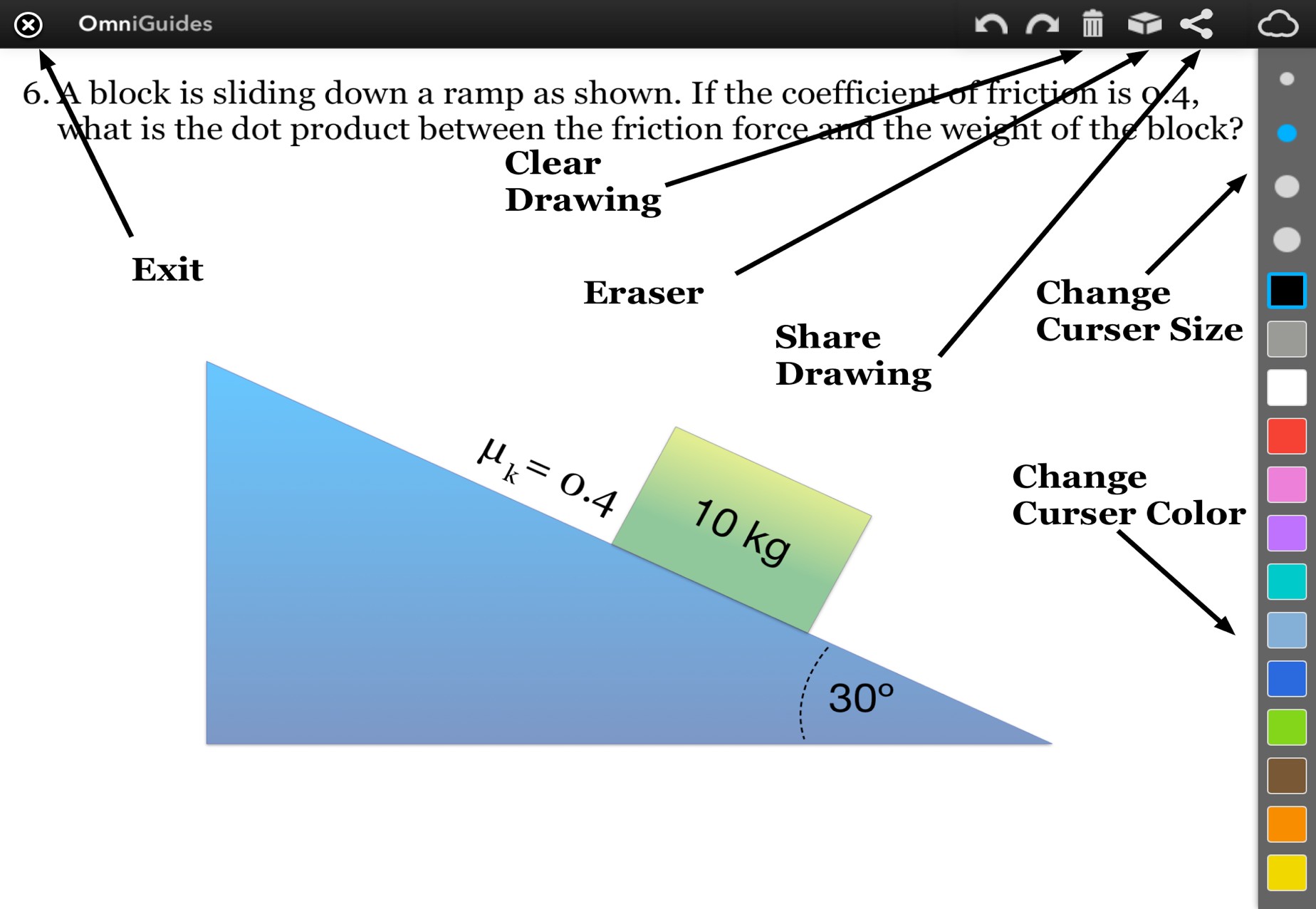
The historical guide describes drawing and sharing controls. Current problem workspaces provide written notes and recovery of old drawing data; drawing and source email-sharing features are unavailable.
“An Omniguide is an interactive, digital study guide made by students, for students. It is designed with the user experience in mind. Starting with the user experience, the content was then designed to maximize engagement and learning.”
-Yatit Thakker
This study guide is meant to provide a useful, fun learning experience to help students pass their class. By foregoing all the confusing and irrelevancy found in most traditional textbooks, this study guide is a whole lot of densely packed learning without the foreboding feel you tend to get from a textbook.
We hope that you find this study guide useful in your endeavor to learn about Physics. If you haven’t used one of our Omniguides before, then the next few pages will introduce you to some of the interactivity you might encounter throughout our guide.
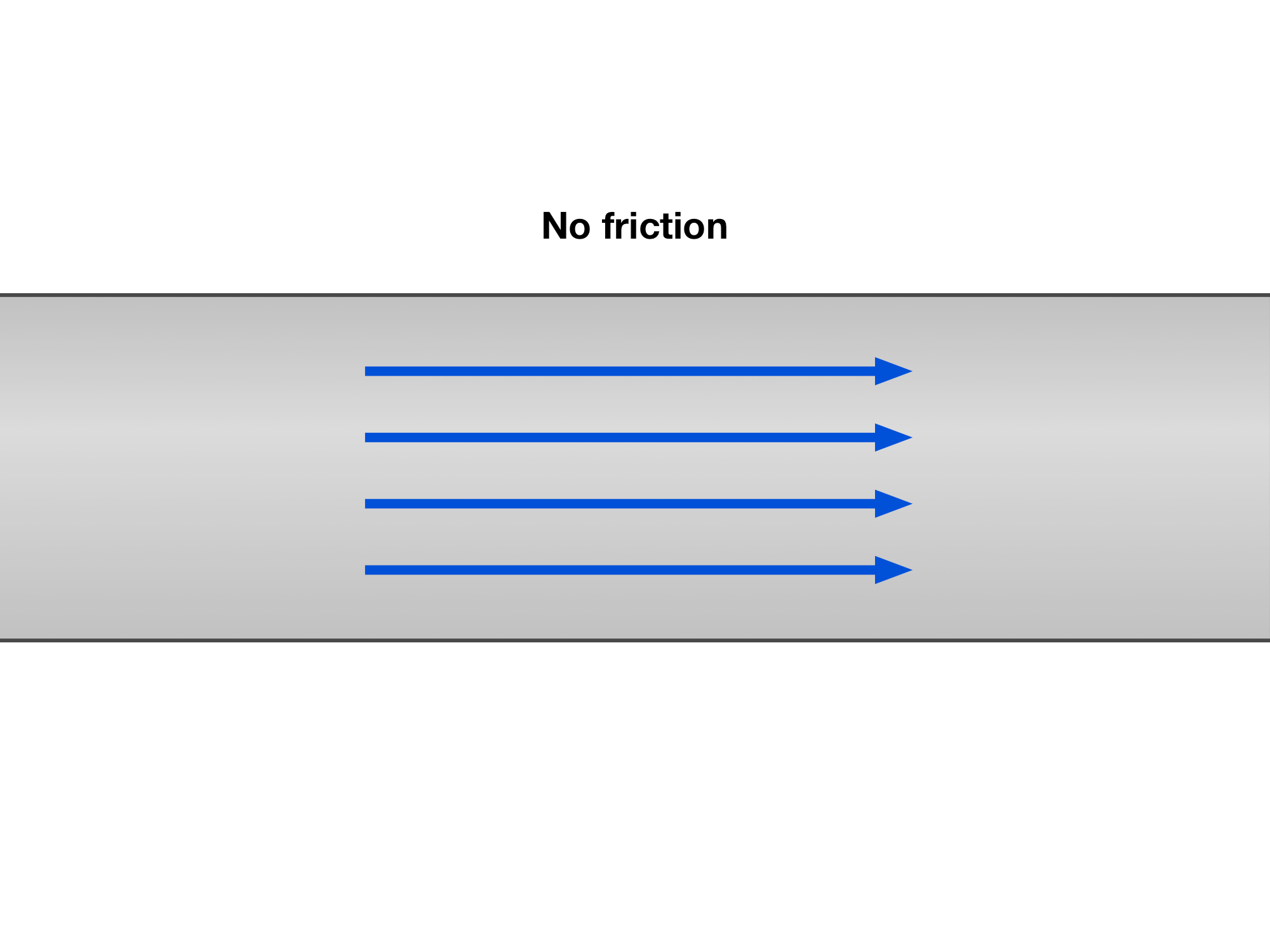
A gallery is a collection of images. This first example shows rightward arrows in a straight channel labeled “No friction.” Use the Next → button below to see the next image, or ← Previous to go back.
Read every step and figure
Step 1
A gallery is a collection of images. This first example shows rightward arrows in a straight channel labeled “No friction.” Use the Next → button below to see the next image, or ← Previous to go back.
Step 2
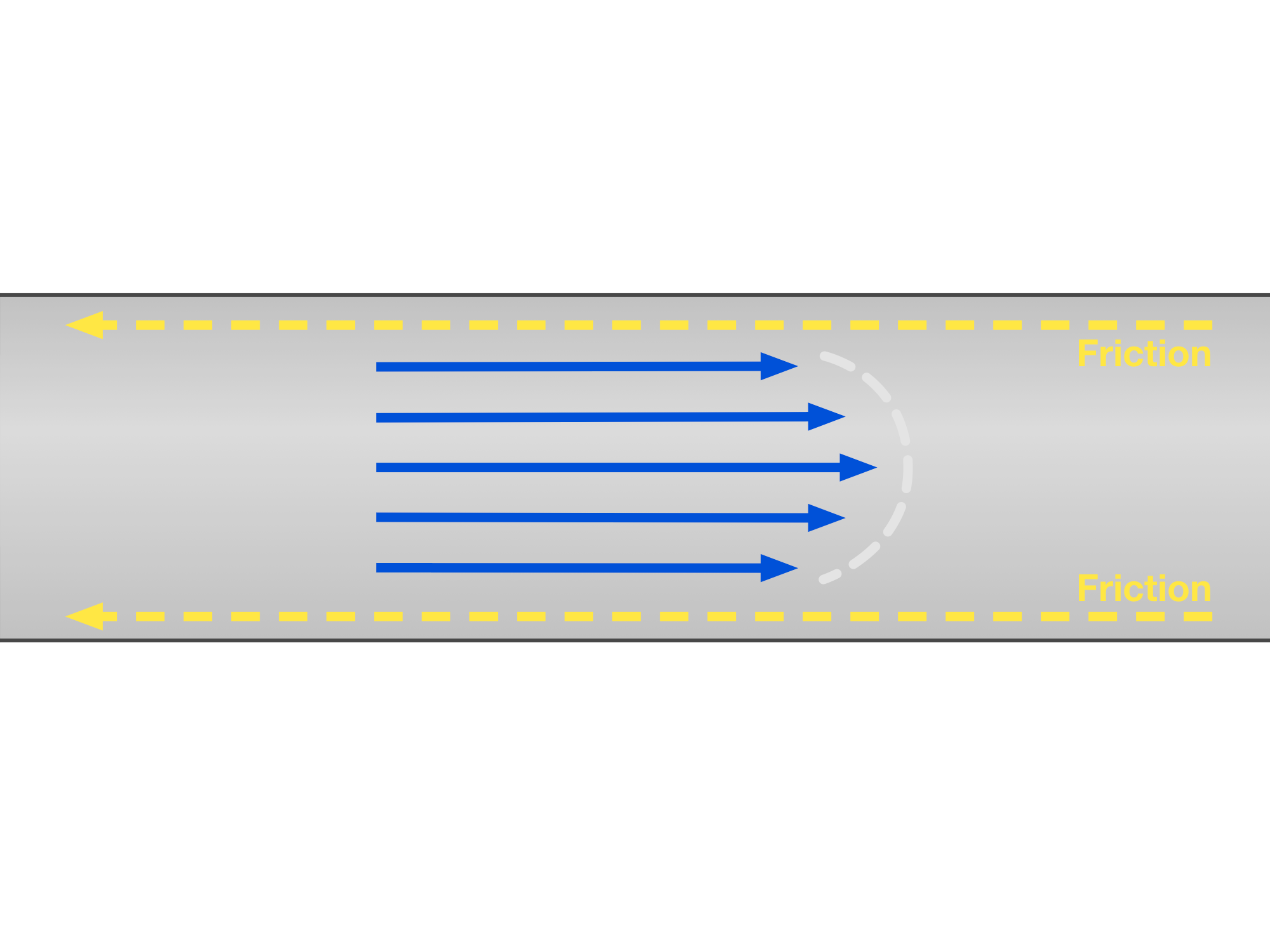
The second example adds leftward friction arrows at the channel walls. The rightward arrows are shorter near the walls than at the center.
Read the current caption below each image. Open Read every step to read all gallery notes together; the Previous and Next buttons keep each note paired with its image.
Step 3
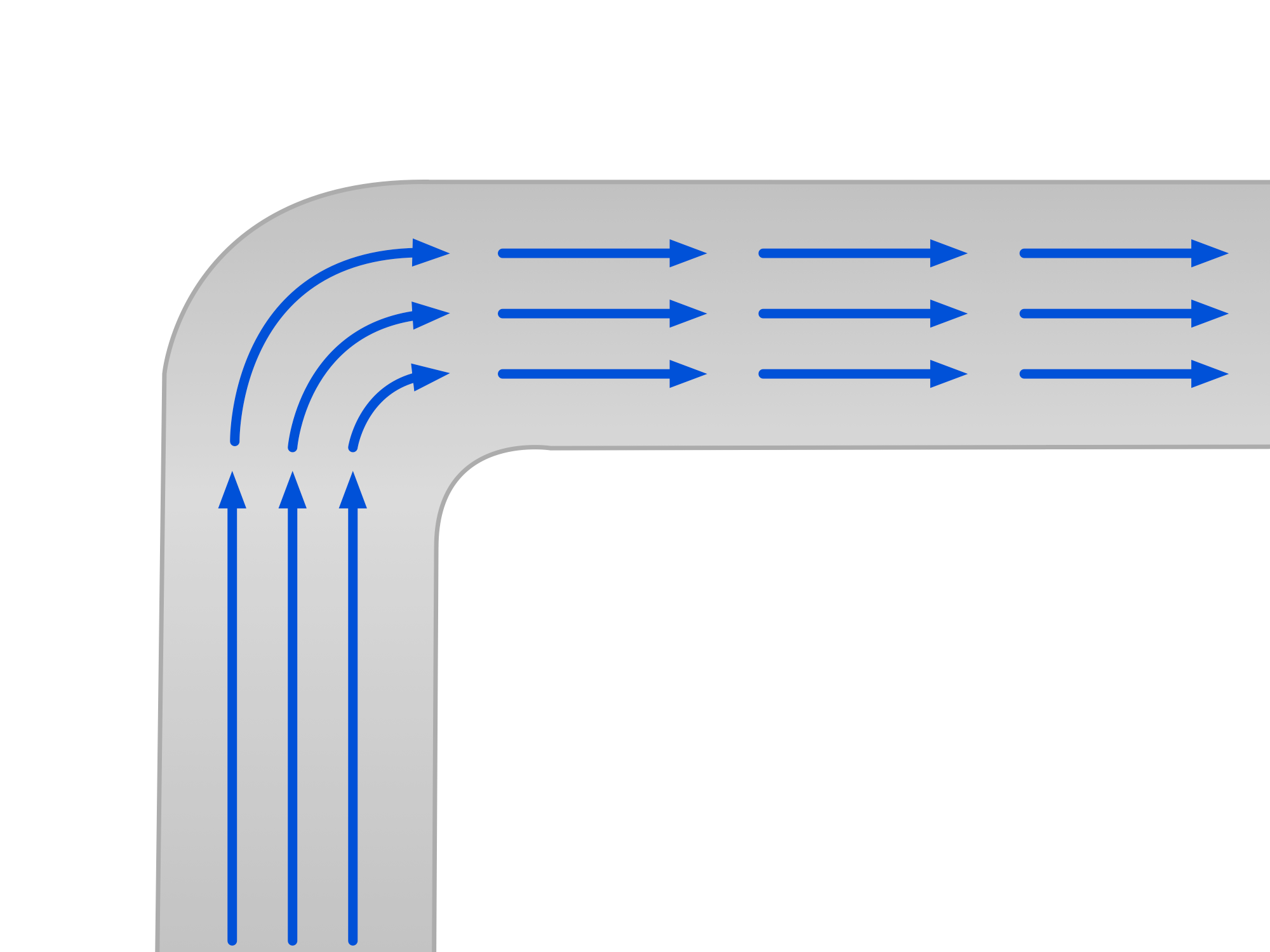
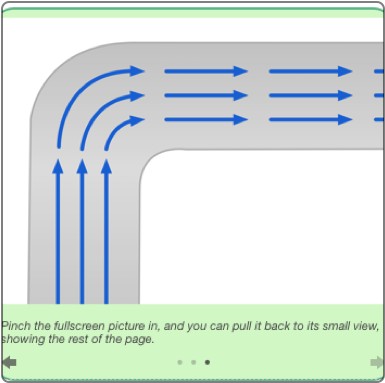
The final example shows arrows turning with a bent channel. A gallery can compare different diagrams as well as show successive steps in one problem.
Use ← Previous to return to an earlier image. Galleries use these frame buttons; interactive figures elsewhere have their own Magnification slider.
Figure 0.1.1 Example Interactive Image
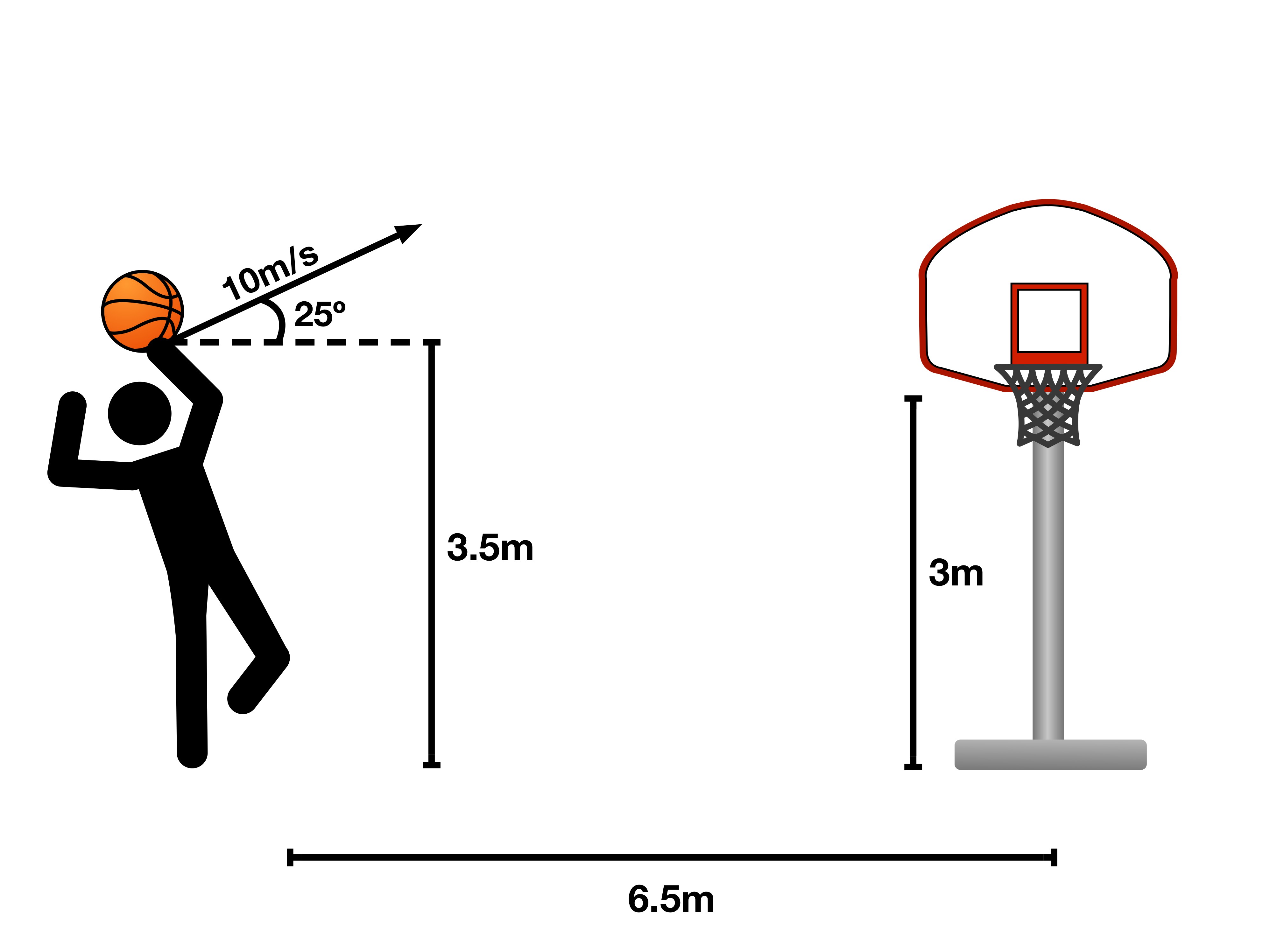
Try the note buttons below the picture. Use the Magnification slider to enlarge the whole figure from 1× to 3×, and move it back to 1× for its original size.
A gallery is what we use to present images to you. Use Previous and Next to flip through it while reading, or open Read every step to read all the captions. Each frame has its own caption, so you can follow the diagram one step at a time.
Interactive Image
The interactive images you will see pair a single image with buttons for its callouts. Click a callout to read its explanation, then use the Magnification slider to look more closely. Return the slider to 1× to see the whole image again.
Pop Quiz 0.1.1 Example Quiz
Question 1 of 6 · 0 correct
Book controls · Read the worked solution
Which of the following is a collection of images you might find in this guide that you can browse through at will?
Read every full question without answers
Question 1
Question 2
Question 3
Question 4
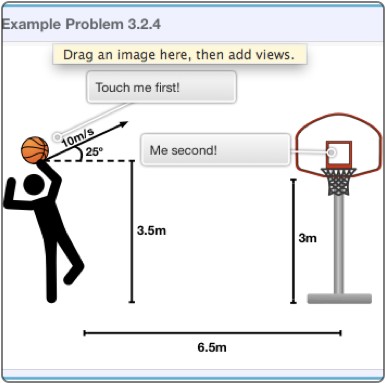
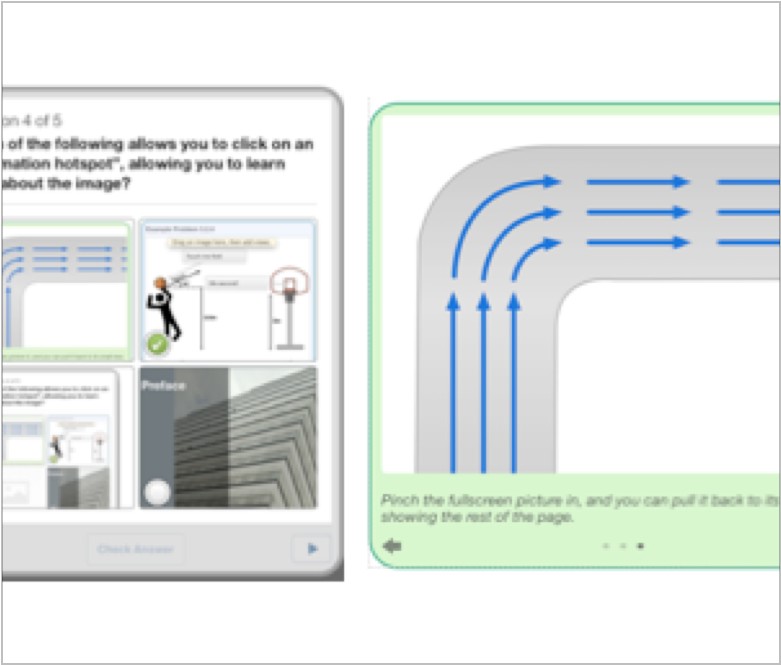
Which of the following allows you to click on an “information hotspot”, allowing you to learn more about the image?
Question 5
 12
12Match these labels to the numbered figure targets. Write your matches before opening the separate worked answer.
Question 6
Throughout each section, we will have short quizzes for you, to ensure that you are learning while you read. Typically, these will cover the previous few pages you just read, and they should be relatively easy (at least, compared to the chapter problems we came up with for you).
These quizzes will ask you a few questions, and you just have to pick the right answers. Sometimes, there will be more than one correct answer, and in that case, you have to pick both to get the question right.
After you answer a question, click Check my answer to see feedback and a link to its worked solution. Use the next question button to continue. Your score updates as you work, and you can retry a question to test your revised reasoning.
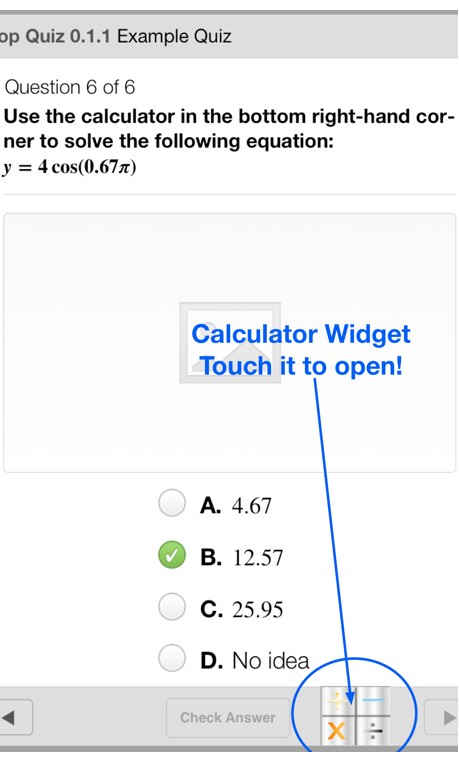
We also added calculator widgets to help you solve problems while working with numbers. Type an expression into the calculator, choose degrees or radians when needed, and press Calculate. The chapter problem pages include calculators too, so be sure to use them!
Now for a little about the structure of this guide. As we mentioned, we tried to make this guide a concise, fun, learning tool. In order to do so, we concentrated on having as much interactivity as we could. Therefore, a typical section would have plenty of images in the form of interactive images or galleries.
As for the content of each section, you will find each section covers a fair bit of material. Just by reading the sections and examining the images, you should be able to learn about the subject that section covers. To check your learning, the pop quizzes are there, so you will want to take each quiz, and make sure that you truly understand the concepts, and how to use that information to solve problems.
We also have plenty of example problems that cover how to solve various types of problems for each concept.
These example problems are just a question that requires the use of a lot of concepts to answer, followed by a through step-by-step explanation of how to solve that problem.
An example problem would look like this:
Example Problem 0.1.1
The question will be here, in red.
At the end of each chapter, you will find what we call a “For Future Reference” section. These sections go above and beyond the typical content you are exposed to while learning about that chapter’s subject. This can range from previews of later chapters to applications of using this information in the real world. How exciting!
At the end of this final section in each chapter, we include a list of equations found throughout that chapter, as well as a set of chapter problems for you to work on.
Original problem 6
Problem text
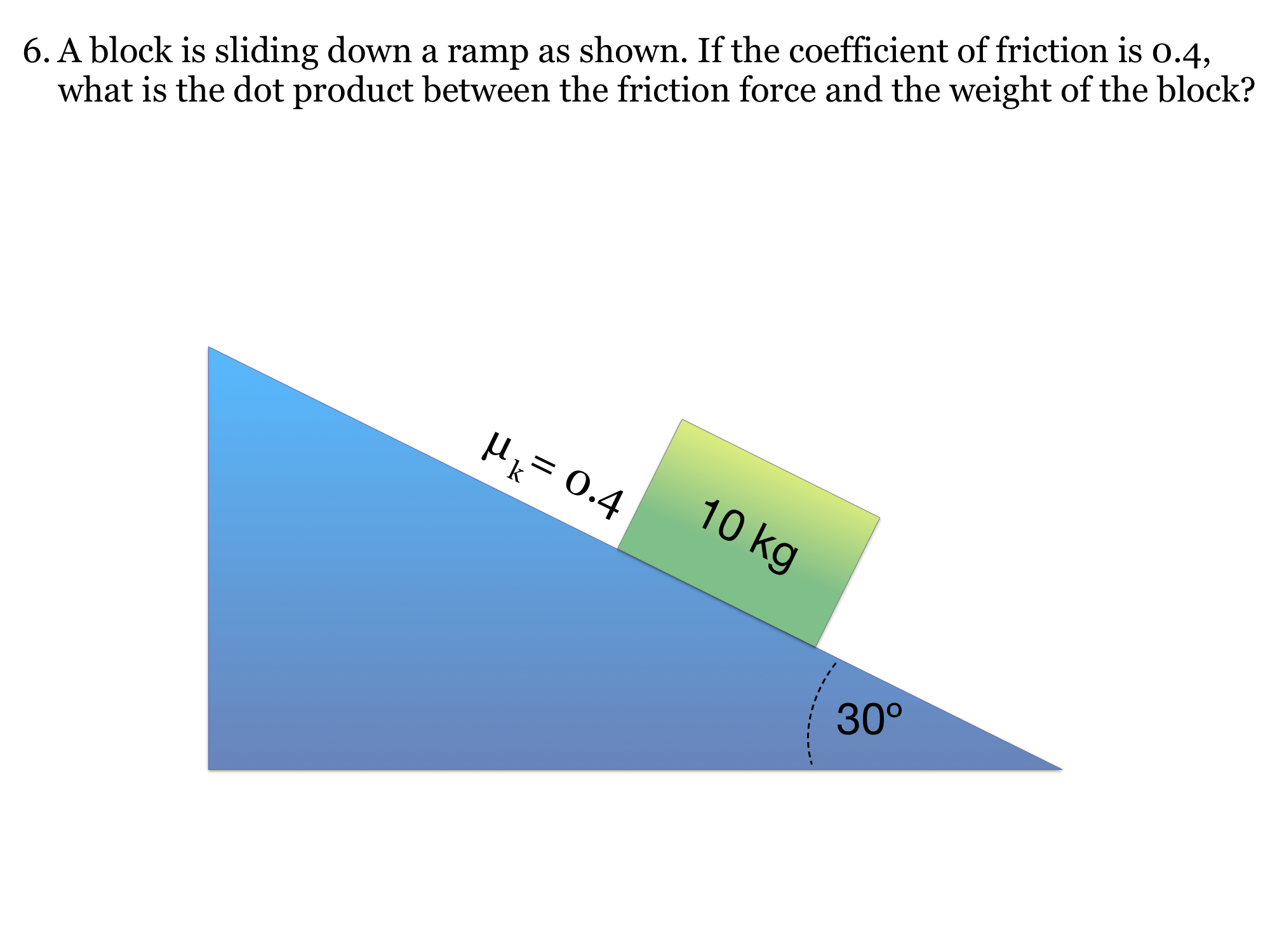
6. A block is sliding down a ramp as shown. If the coefficient of friction is 0.4, what is the dot product between the friction force and the weight of the block? M, = 0.4 10кg 30°
Drawing is temporarily unavailable. Work on paper if needed, then record your reasoning here.
Saving written working requires JavaScript. The problem remains available above; keep your work on paper or in your own notes.
Chapter Problems
These chapter problems will look something like this:
Unlike a quiz question, these chapter problems don’t provide you with immediate feedback on whether or not your answer is correct. Those answers are to be found in our solutions manual.
These problems are also a bit harder to work through. Therefore, we provide you with a really neat way of answering the problem. Use the inline sketchpad to draw your work, and type your reasoning in the notes field below it. Undo removes the last stroke; Clear drawing gives you a fresh canvas.
The next page shows what you will see when you open each chapter problem.
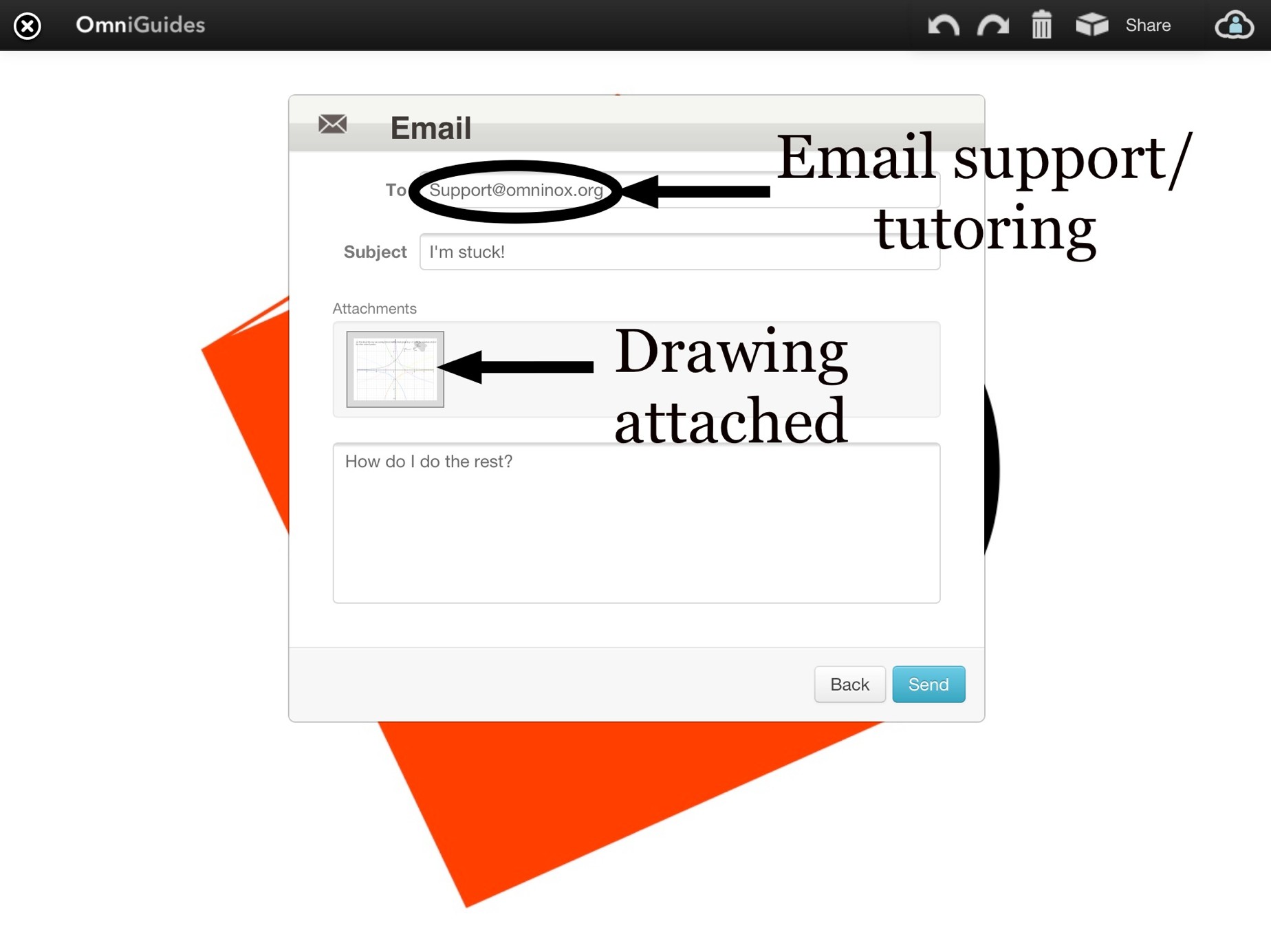
There is a cool sharing feature that is shown on the page after that.
- You must have attempted the problem.
- Your question may only be about a chapter problem.
- The subject of the email must include the chapter number and problem number that you are sending.
These requirements help ensure that you get a prompt and customized response. They also make sure that you are being challenged, and learning something about Physics along the way.
In addition to help with chapter problems, you can also email [email protected] if you notice any errors or wish that a section was explained in a clearer way.
Notes and Study Cards
You can also take written notes and draw your working in the scratchpads beside chapter problems. They save in this browser on the page where you make them. To review a definition, follow a glossary link in the lesson or open the glossary from the book navigation.
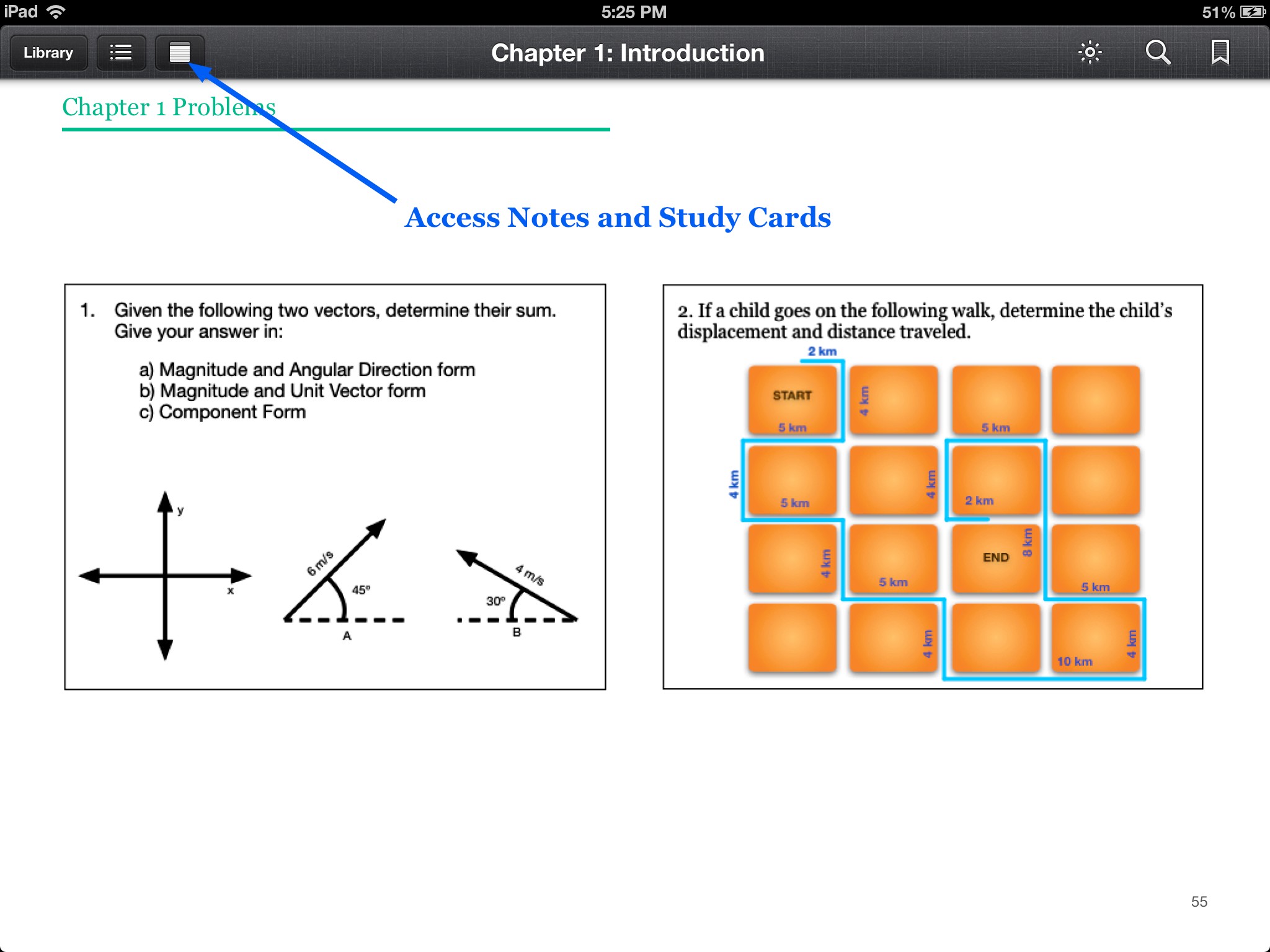 This screenshot preserves the original guide’s notes interface. In this edition, use the problem scratchpads for notes and the glossary links for definitions.
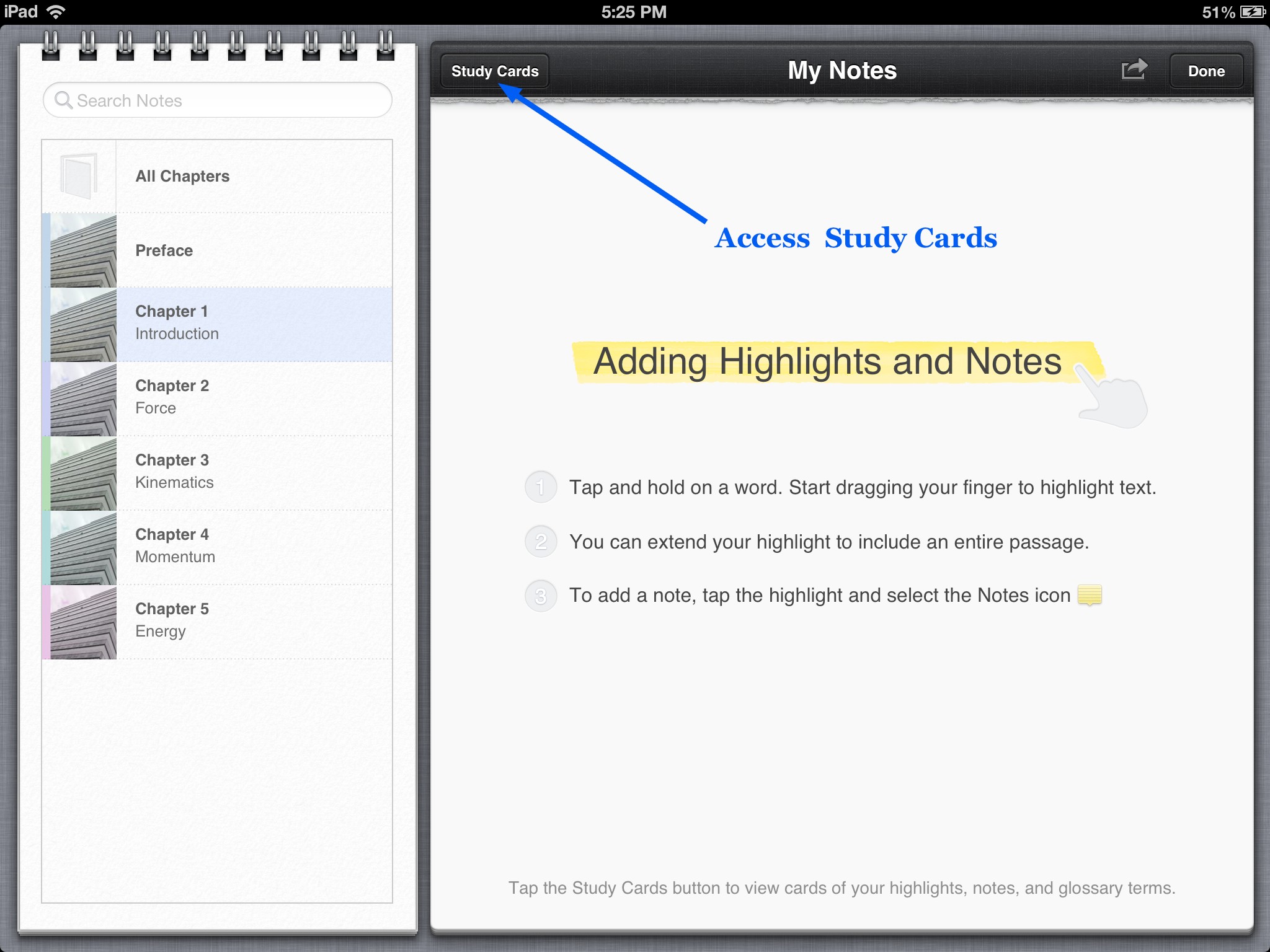 The original guide also had Study Cards, shown in these archival screenshots. In this edition, use the glossary to review the same definitions.
The screenshot below shows one of the original glossary study cards. You can now read these definitions on their own glossary pages.
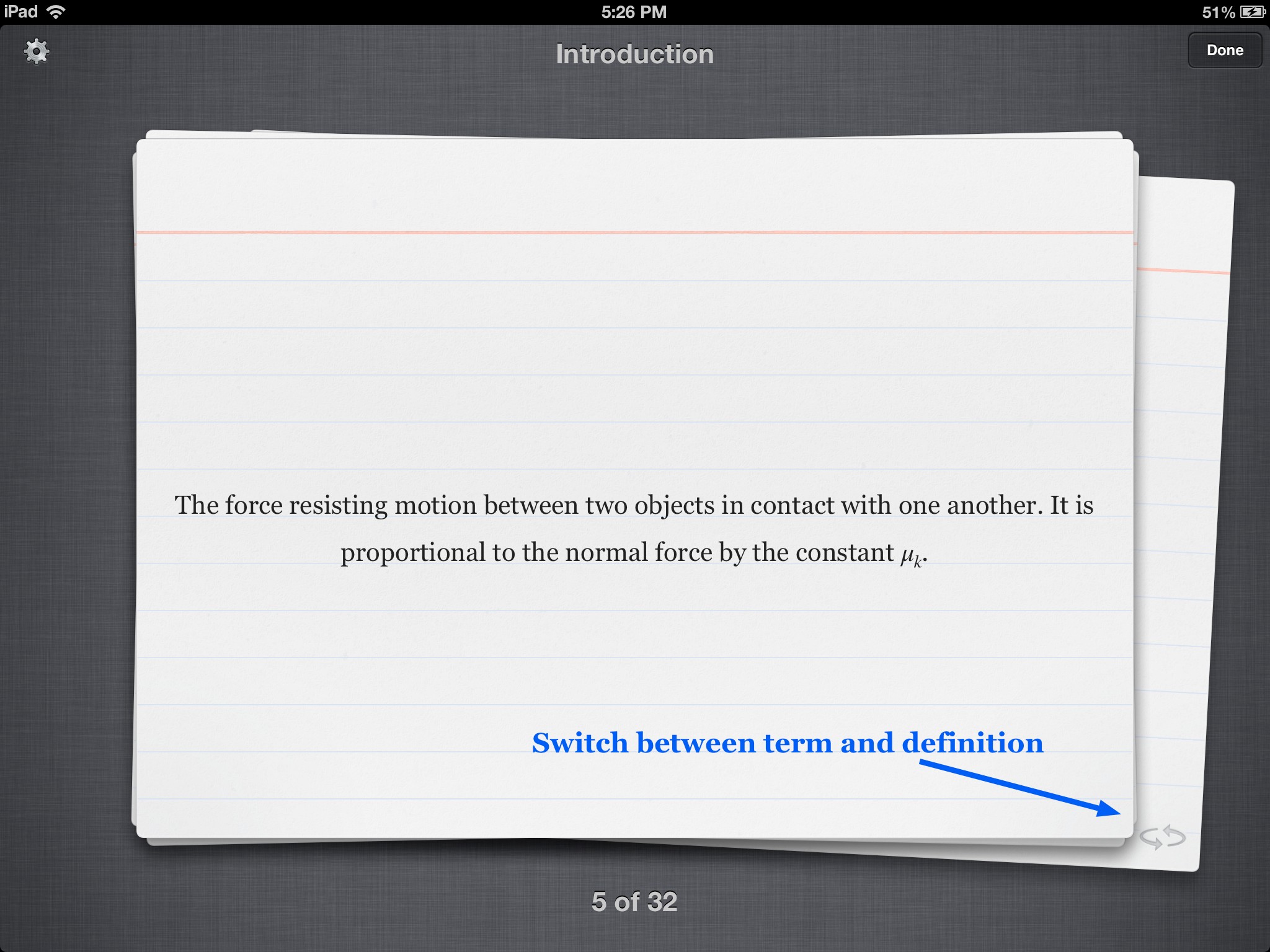 For a quick review, open a glossary entry and follow its related terms to connect the ideas.
As for the glossary terms, you will encounter them throughout your reading. When a glossary term appears in the text (like that), click it to open its definition page. Use your browser’s Back button to return to the lesson.
Key Point: Though we understand that this guide can be used in both portrait and landscape mode, we highly recommend that you use this guide in landscape mode to optimize your viewing pleasure.
We hope that you enjoy your time reading through our guide, and that you learn something from it.
Please let us know about any comments or concerns you might have by contacting us throughout our contact us page on our website: www.omninox.org.

Glossary and deeper reading · 2 refreshers
These editorial refreshers supplement the reading. Definitions and examples are added guidance; original source wording and recorded answers remain in their original context.
-
Optical magnification
Optical magnification is the ratio of image height to object height in the chosen signed convention. Its magnitude gives the size ratio, while its sign indicates upright or inverted orientation. For example, an inverted image half the object’s height has negative magnification with magnitude one half.
-
Radian
A radian is an angle measure defined by arc length divided by radius. One complete turn is two pi radians, and angle formulas connecting linear and rotational motion use this measure. For example, an arc whose length equals the circle’s radius subtends one radian at the center.